
1.Xender
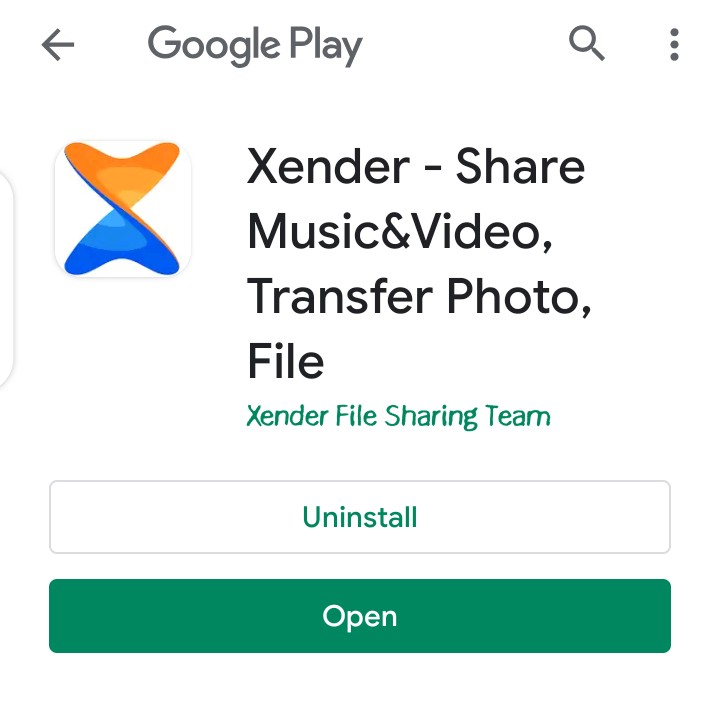
if You want install This Please click this Link 👉Xender Share ⬅️Install This.
Xender is best sharing app for you what you need all in this.
This List Share with Xender⬇️
Share Music
Share Video
Share Photo
Share Movie
Share File Data⬇️
✓ Transfer All type of files ,App, audio, PDF, Text, Excel, ZIP, Folders.
Xender without mobile data usage run 200 times faster than Bluetooth transfer speed.
This app Cross-Platform Supports: Android, iOS, Tizen, Windows, PC or Mac.
USB connection or USB cable not required and not required any other software for PC.
This app Download 500+ Millions User Trust is good one.
In world 250+ million files successfully transferred Every Day.
Play all Audio and Movies right after Receive in your Device.
What is new Features on Xender?
New Feature is➡️ Convert Video to Audio
Social Media Downloader:-Save videos from Whatsapp, Facebook & Insta
Game Center :–Hundreds of Casual Games available Without install* Download.
Main features on Xender
Send files with flash speed
Imagine you sending your party video to friends in Seconds! The highest speed can reach 40Mbps.
Support Language in Xender?
English- Arabic-Bengali- Chinese Traditional-Chinese Simplified- Greek- Hungarian-Indonesian- Italian- Japanese- Korean-Malay- Thai- Turkish-Hindi- German- Polish- Portuguese- Spanish- French- Vietnamese.
 Crazy Linux